How I Optimize Next.js App Performance
— NextJS, Performance, Optimization, Web Development — 2 min read
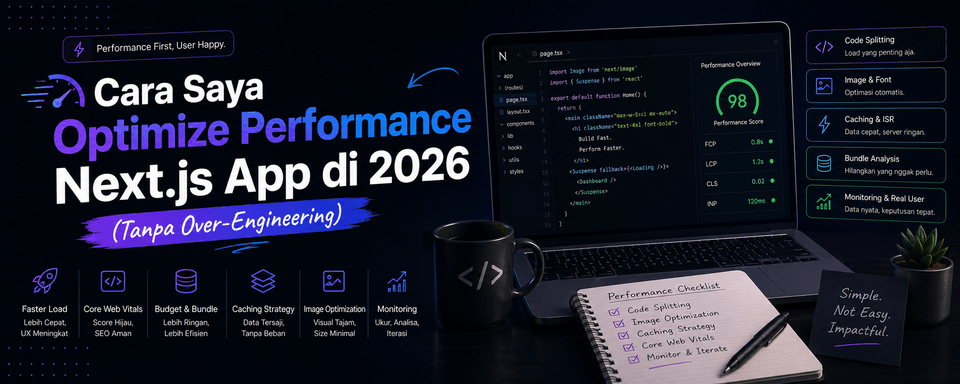
How I Optimize Next.js App Performance in 2026 (Without Over-Engineering)
Hey everyone,
It's been a while since I last wrote something. After spending a few months heads-down on a project, today I want to share something I do quite often: performance optimization in Next.js.
A lot of developers jump straight into complicated techniques, when the things with the biggest impact are usually the simple ones. Here's the optimization workflow I use these days:
1. Start With What Has the Biggest Impact
I always check with Lighthouse and Chrome DevTools first. Usually the biggest issues are:
- Images that are too large
- A bloated JavaScript bundle
- Inefficient data fetching
- Heavy third-party scripts
2. The Techniques I Use Most Often
A. Image Optimization
import Image from "next/image";
<Image src="/hero.jpg" alt="Hero" width={1200} height={600} priority sizes="(max-width: 768px) 100vw, 1200px"/>;B. Dynamic Import for heavy components
const HeavyChart = dynamic(() => import("@/components/HeavyChart"), { loading: () => <ChartSkeleton />, ssr: false,});C. Streaming + Suspense I use React Suspense + streaming in Server Components so users can see the important content right away.
D. Proper Caching
unstable_cacheor React'scachefor data that rarely changes- Reasonable revalidate values (not always 0)
3. Things I Avoid
- Don't over-fetch data
- Don't put all your logic in a Client Component
- Don't pull in a big library when you only need one feature from it
- Don't forget
loading.tsxanderror.tsx
4. The Results I've Seen
After applying the techniques above across several projects:
- Lighthouse scores went up significantly
- Time to Interactive got much faster
- Fewer user complaints about loading
Conclusion
Performance optimization isn't about using the coolest technique. It's about priorities. Tackle the high-impact stuff first, then move on to the details.
If your app still feels slow, try starting with images and bundle size first. That's usually enough to make a big difference.
A question for you all: What's the most common performance bottleneck you run into in Next.js? Which technique have you found most effective so far?
Share your thoughts in the comments!
— Ady Rahmansyah
Software Engineer | Tech Blogger | Coffee Addict