Logging & Observability in Next.js
— NextJS, Logging, Observability, Sentry — 2 min read
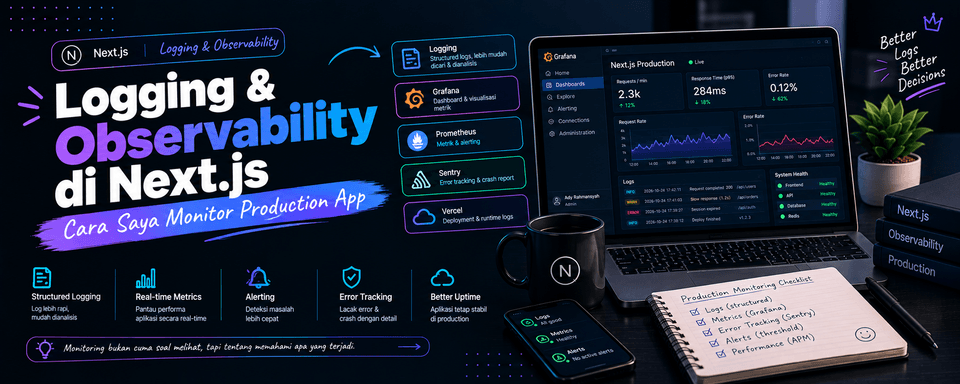
Logging & Observability in Next.js
Hey everyone,
Once an app goes live, the most common problem usually isn't in the code, but in a lack of visibility. Without good logging and observability, debugging production becomes a nightmare.
Here's the approach I use now:
1. Structured Logging
I always use structured logs (JSON) instead of plain console.log.
import { logger } from "@/lib/logger";
logger.info("User created", { userId: user.id, email: user.email, source: "signup-form",});Tools I often use: Pino or Winston.
2. Error Tracking
An error tracking service is a must:
- Sentry → the one I use most
- Or Axiom / Better Stack
I capture the error + context (user id, request id, action name).
3. Performance Monitoring
- Web Vitals (Core Web Vitals)
- Server timing
- Database query time
I monitor these through Sentry Performance or Vercel Analytics.
4. Request Tracing
For requests that pass through multiple services, I use a trace id so it's easy to follow the request flow from the frontend all the way to the database.
5. Things I Avoid
- Logging too much (noise)
- Logging sensitive data (passwords, tokens, etc.)
- Relying only on
console.login production
My Principles
- Logs must be actionable
- Always include context
- Separate development and production logs
- Monitor first, then optimize
Conclusion
Observability isn't an add-on feature. It's the foundation that lets us sleep soundly once the app is in production.
If you're still relying only on console.log, try starting with structured logging + Sentry first. The impact is felt right away.
A question for you all: What tools do you use for logging and error tracking these days? Sentry, Axiom, or something else?
Share your thoughts in the comments!
— Ady Rahmansyah
Software Engineer | Tech Blogger | Coffee Addict